You finally sit down after a long day. Dinner is done, the room is quiet, and you want one easy episode before bed. Instead, your TV gives you a maze of menus, ads, and shows you never asked to see.
That frustration matters. A streaming stick should make evenings simpler, not turn relaxation into another tech project.
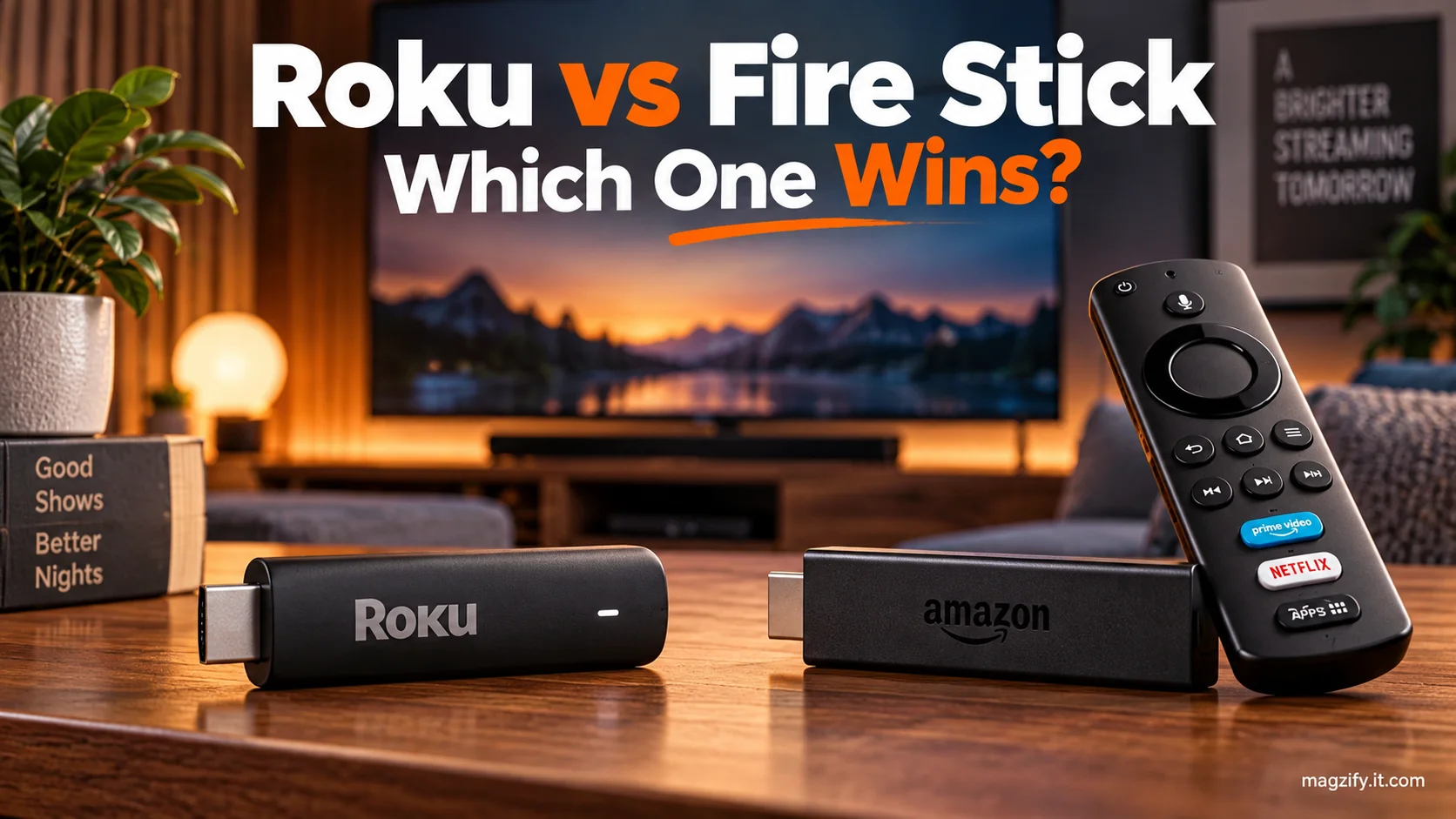
Roku and Fire TV Stick are more alike than different. Both offer Netflix, Prime Video, Hulu, Max, YouTube, Disney+, Apple TV+, and other major apps. The real Roku vs Fire Stick decision comes down to the interface, ads, remote, and smart-home setup.
The honest verdict is: Roku is the better streaming stick for most people because it is easier to navigate and less focused on selling Amazon content. Get a Fire TV Stick if you use Alexa often, rely on Prime Video, or already have an Amazon smart home.
| Comparison point | Roku | Fire TV Stick |
|---|---|---|
| Best for | Beginners, seniors, and neutral households | Prime Video households and Alexa users |
| Interface | Simple app grid with fewer content rows | Content-led screen with banners and recommendations |
| Ads | Sponsored tiles and display ads | Sponsored banners, rows, and Amazon promotions |
| Voice assistant | Roku Voice for search and basic commands | Alexa for search, questions, and smart-home control |
| Major apps | Netflix, Hulu, Max, Disney+, YouTube, and Prime Video | Netflix, Hulu, Max, Disney+, YouTube, and Prime Video |
| Free content | The Roku Channel and free live channels | Free ad-supported titles and live channels through Fire TV |
| Remote | Rounded body with a simple button layout | Slim body with an Alexa button |
| Price | Entry-level Roku Streaming Stick listed at $29.99 when announced in 2025 | Current prices vary by model and frequent Amazon sales |
Interface: Roku’s Simple Grid Beats Fire TV’s Ad-Heavy Home Screen for Most People
Roku’s clean app grid is easier to understand and less overwhelming. Turn it on, choose an app, and start watching. That simple flow is Roku’s biggest advantage.
Fire TV takes a different approach. Its home screen includes a large banner, suggested titles, sponsored content, and several rows. Amazon services often receive prime placement.
That can be useful when you want recommendations. It can also feel like walking through a store before reaching your own apps.
- Roku feels more neutral: Your installed channels remain the main focus.
- Fire TV feels more curated: Movies, shows, and Amazon promotions lead the experience.
- Roku is easier to teach: A new owner can understand the grid within minutes.
- Fire TV rewards exploration: It works well for people who enjoy browsing suggestions.
Search results can also feel different. Roku generally presents choices across services. Fire TV may give Amazon content and rentals greater visibility.
For an older parent or anyone tired of menu clutter, Roku has the friendlier daily interface.
Voice Assistant: Fire TV Stick’s Alexa Is More Powerful, but Roku’s Voice Search Is Cleaner
Fire TV Stick wins for smart voice control, while Roku handles basic searches well. Both let you speak into the remote, but Alexa can do much more.
Ask Alexa about the weather, a sports score, or a connected doorbell. You can also control compatible lights, plugs, and cameras.
Roku Voice stays focused on television. It can find a movie, open an app, or search for a genre. That narrower role may be all you need.
- Choose Alexa for smart-home commands and broader questions.
- Choose Roku Voice for simple entertainment searches without extra features.
- Use either remote to launch supported apps by voice.
One detail catches some shoppers: a normal Fire TV Stick is not always listening across the room. Hands-free Alexa usually requires a linked Echo speaker, a compatible Fire TV television, or a Fire TV Cube.
Apps and Content: Both Have Nearly Every Major App, So Don’t Make This the Deciding Factor
Roku and Fire Stick support nearly all major streaming services. App availability should not decide this streaming device comparison for most households.
Both platforms carry Netflix, Hulu, Prime Video, Max, Disney+, Peacock, YouTube, Tubi, Apple TV+, and Spotify. Smaller regional apps can vary, so check one essential niche service before buying.
Want something free? Roku offers The Roku Channel, which includes ad-supported shows, movies, and live channels. Fire TV also organizes free, ad-supported movies, shows, and live television.
Free does not mean ad-free. You pay with commercial breaks rather than a monthly subscription.
Be cautious with claims about which platform has more free content. One company may count live channels. Another may count individual episodes or titles. Those totals are not equal measures.
Pick based on how content is presented, not a giant marketing number.
Remote and Hardware: Roku’s Remote Is More Comfortable; Fire TV Stick’s Remote Is Slicker but Easier to Lose
For most hands, Roku’s thicker remote is easier to hold and find. Its rounded shape feels clear in your palm, even in a dim room.
The Fire TV remote is slimmer and polished. It also slips between couch cushions with impressive ease. Anyone who has searched under a blanket during the opening credits knows the pain.
- Roku remotes favor simplicity with large navigation controls and app shortcuts.
- Fire TV remotes put Alexa close at hand for fast voice commands.
- Compatible models from both brands can control television power and volume.
- Roku’s mobile app supports private listening on compatible devices.
Some higher-end Roku remotes add a headphone jack or rechargeable battery. Features differ by package, so inspect the exact remote before ordering.
Buying for a senior? A comfortable remote matters more than processor claims. A simple layout reduces wrong turns and nervous calls about a “broken” television.
Price and Models: Which Streaming Stick Fits Your TV and Budget?
The best value depends on the exact model and today’s sale price. Comparing a basic HD stick with a premium 4K model creates a misleading result.
Roku replaced older Express-style entry devices with a newer stick-based lineup in 2025. Amazon’s core choices include HD, 4K, and faster 4K Max tiers.
| Brand | Model | Best match | Official price check |
|---|---|---|---|
| Roku | Roku Streaming Stick | HD televisions and basic streaming | $29.99 launch price, check current price as of September 8, 2026 |
| Roku | Roku Streaming Stick Plus | Affordable 4K streaming | Check Roku’s current product page as of September 8, 2026 |
| Roku | Roku Streaming Stick 4K | 4K televisions needing stronger wireless reception | Check Roku’s current product page as of September 8, 2026 |
| Roku | Roku Ultra | Premium performance and expanded remote features | Check Roku’s current product page as of September 8, 2026 |
| Amazon | Fire TV Stick HD | HD televisions and Alexa basics | Check Amazon’s current product page as of September 8, 2026 |
| Amazon | Fire TV Stick 4K | Mainstream 4K streaming | Check Amazon’s current product page as of September 8, 2026 |
| Amazon | Fire TV Stick 4K Max | Faster 4K navigation and premium Fire TV features | Check Amazon’s current product page as of September 8, 2026 |
Amazon frequently discounts Fire TV hardware during major shopping events. Roku devices also go on sale through Roku and large retailers.
Compare final checkout prices, not old list prices. Also confirm whether the package includes television controls and the remote features you want.
Do not let 4K decide everything. Your television must support 4K to show that resolution. Daily navigation will affect you far more often.
Privacy, Ads, and Tracking: Both Are Advertising Platforms; Roku Is Just Less Pushy
Choose Roku if you want fewer commercial distractions, but expect ads on both platforms. Neither home screen is a fully private, ad-free space.
Roku shows sponsored tiles, featured content, and screensaver promotions. Fire TV places recommendations and sponsored content throughout its content-led interface.
Roku lets you manage display-ad preferences through Settings, Privacy, and Advertising. You can limit sensitive ad categories or hide certain home-screen ads. Hiding one ad may replace it with another.
On Fire TV, open Settings, then Preferences, Privacy Settings. Review device usage data, app usage collection, and interest-based ad choices. Menu names can change after an update.
- Turning off personalization does not remove every ad.
- Streaming apps maintain their own privacy and advertising settings.
- Review account settings after a factory reset or major software update.
- Use a purchase PIN to prevent surprise rentals or subscriptions.
Parents should check more than ad settings. Roku supports purchase PINs and rating controls for certain Roku content. Fire TV offers device parental controls plus dedicated kids profiles.
Fire TV provides stronger profile tools for children, while Roku’s simpler screen may reduce accidental wandering.
Roku vs Fire Stick: Pros and Cons
Roku wins on simplicity, while Fire TV Stick wins on Amazon integration. Here is the trade-off without the sales pitch.
Roku Pros
- Simple channel grid
- More neutral search experience
- Easy for beginners and older adults
- Less aggressive Amazon-style promotion
- Useful mobile private-listening option
Roku Cons
- Voice assistant has fewer skills than Alexa
- Still displays ads and sponsored content
- Basic models may feel slower with heavy use
- Family profiles are less developed than Fire TV’s
Fire TV Stick Pros
- Alexa built into the remote
- Strong Prime Video integration
- Useful smart-home controls
- Dedicated kids profiles and parental tools
- Frequent Amazon sale prices
Fire TV Stick Cons
- Busy home screen
- More Amazon content promotion
- Search may favor Amazon services
- Thin remote is easy to misplace
- Recommendations can feel like ads
It Depends: Use These Scenarios to Decide
Your habits matter more than a long feature list. Match the device to the person and room where it will be used.
Choose Roku if...
- You want the simplest possible streaming device.
- You are buying for a parent or grandparent.
- You dislike Amazon-led recommendations.
- You mainly open the same few apps each night.
- You want less home-screen clutter.
- You use Google or Apple products instead of Alexa.
Choose Fire TV Stick if...
- You watch Prime Video often.
- You use Alexa speakers or smart-home devices.
- You want voice answers beyond movie searches.
- Your household already uses Amazon services.
- You find a strong discount on the right model.
- You want dedicated Fire TV kids profiles.
Choose neither if...
You may not need another device at all. Test your television’s built-in apps first. If they open quickly and receive updates, a new stick adds little.
- Choose Apple TV 4K for a more premium, Apple-focused setup.
- Consider Google TV Streamer if you prefer Google’s ecosystem.
- Keep using built-in Roku TV or Fire TV software if it works well.
- Skip streaming hardware if an antenna or Blu-ray player covers your needs.
Use both if...
A mixed setup can make sense across different rooms. Put Roku on a parent’s living-room television and Fire TV beside an Alexa speaker in your bedroom.
You could also pair Roku with a digital antenna on the main television. Use a discounted Fire TV Stick in a guest room, gym, or basement.
The drawback is simple: two interfaces, two remotes, and two sets of privacy controls.
Final Verdict: Roku vs Fire Stick
For most people, Roku is the safer and simpler purchase. Its clear grid, comfortable remote, and less commercial feel make daily use easier.
Fire TV Stick is better for Amazon households and Alexa users. It connects more naturally with Prime Video, Echo speakers, and compatible smart-home gear.
- If you hate clutter, choose Roku.
- If you want deeper Alexa control, choose Fire TV Stick.
- If you are buying for a senior, start with Roku.
- If children need separate profiles, consider Fire TV.
For most people, Roku is the better streaming stick because it is simpler and less commercial. Fire TV Stick is the better choice for people who already live in Amazon’s ecosystem.
Frequently Asked Questions
Which is better, Roku or Fire Stick?
Roku is better for most people because it is simpler and less focused on Amazon content. Fire TV Stick is better if you use Alexa, Prime Video, or other Amazon devices often.
Does Roku require a monthly fee?
No. A Roku player has no required monthly service fee. Netflix, Hulu, Max, and other paid channels charge their own subscription fees.
Does Fire TV Stick require Amazon Prime?
No. You need an Amazon account to set up Fire TV, but you do not need a paid Prime membership. You can install free and paid apps without Prime.
Which device is easier for elderly users?
Roku is usually easier for older adults. Its app grid is simple, and its thicker remote is easier to hold and locate. Fire TV may suit an older adult who already uses Alexa.
Can I use Roku or Fire TV Stick on a non-smart TV?
Yes. The television needs a working HDMI port. The device also needs power, Wi-Fi, and an internet connection for streaming.
Do Roku and Fire Stick have the same apps?
They have nearly all major apps, including Netflix, Hulu, Prime Video, Disney+, Max, YouTube, and Apple TV+. Check availability before buying if you use a small regional service.
Which has more free content?
Both provide plenty of free, ad-supported content. Roku has The Roku Channel and free live channels. Fire TV organizes free movies, shows, and live television. Published totals use different counting methods, so they should not decide your purchase.